
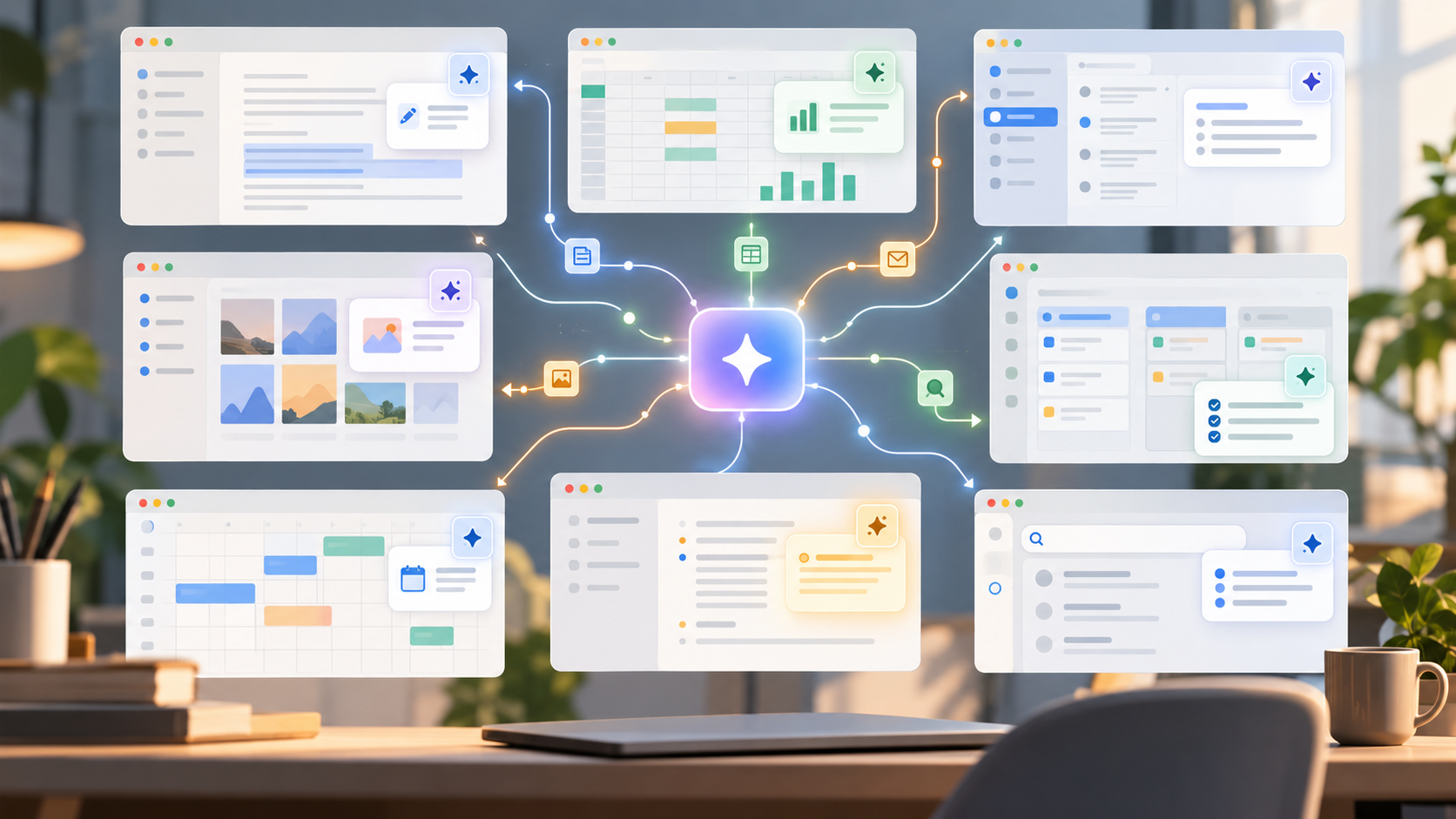
The new universal software feature is a small sparkle button.
It appears in email, notes, spreadsheets, design tools, code editors, browsers, customer support dashboards, calendars, photo apps, and operating systems. Sometimes it summarizes. Sometimes it drafts. Sometimes it rewrites. Sometimes it sits there like a decorative bet on the future.
Every app has AI now because every software company is asking the same question: which parts of using this product are actually work?
AI is good at interface glue
A lot of software work is not deep thinking. It is translating between formats.
Turn notes into a memo. Turn a memo into a slide outline. Turn meeting transcript into tasks. Turn a vague request into a SQL query. Turn a support ticket into a suggested reply. Turn a paragraph into a friendlier paragraph.
Large language models are useful here because they are flexible translators. They sit between human intent and rigid software interfaces.
That is why AI features show up first in text boxes. Text is the universal adapter.
Some features are real
The useful AI features remove a step that users already hate.
Search across your own documents in normal language. Summarize a long thread before you reply. Draft a formula from a description. Explain an error message in the context of the file you are editing. Find the relevant setting without making you browse five menus.
These features do not need to be magical. They just need to save enough friction that you keep using them.
Some features are theater
Other AI features exist because investors, executives, and competitors expect them.
You can usually tell when a feature is theater. It has no clear workflow. It produces generic output. It is bolted onto the product instead of integrated with the thing users came to do. It feels like a demo living inside an app.
The sparkle button is not automatically useful. Sometimes it is just a status symbol.
Why companies are rushing
There are practical reasons for the rush. AI features can make mature software feel new again. They give sales teams a story. They help products defend pricing. They create a reason to upsell into premium plans. They also signal to investors that the company is not asleep during a platform shift.
This does not make every AI feature cynical. It means the incentives are mixed. Some teams are solving real user problems. Some are shipping an AI label because the market punishes silence.
The result is uneven quality. The same product might contain one genuinely useful AI workflow and three decorative features that nobody asked for.
The integration test
The useful question is not "does this app use AI?" It is:
- Does the feature know the context I am working in?
- Can I inspect or edit the result?
- Does it save time after correction?
- Does it fit into an existing workflow?
- Is there an undo path?
- Are permissions clear?
- Does the app explain what data is being sent where?
If the answer is no, the feature may be more marketing than product.
The real prize is automation
Summaries and drafts are the first layer. The bigger business prize is action.
Companies want AI that can use the product for you: update records, create campaigns, reconcile invoices, triage bugs, generate reports, test code, schedule follow-ups, and resolve routine support issues.
This is where AI becomes less like autocomplete and more like a junior operator. That can be valuable, but it also creates new risks. The system needs permissions, audit logs, undo, review steps, and clear boundaries.
Why permissions matter
An AI that only drafts text can be wrong in a visible way. An AI that takes actions can be wrong in a costly way. Sending an email, deleting a record, approving an invoice, changing a setting, or merging code has consequences beyond a bad paragraph.
That is why the best AI product design will look less like a magic button and more like a controlled workflow:
- propose before doing
- show sources
- ask for confirmation on risky actions
- keep logs
- make reversal easy
- restrict access by role
- separate low-risk suggestions from high-risk automation
The more agency the system gets, the more boring governance matters.
What users should expect
Over time, AI will become less visible. The sparkle button phase is temporary. The better version is quieter: search that understands messy questions, settings that can be changed through natural language, spreadsheets that explain formulas, support tools that find context, and writing tools that respect the user's voice.
The bad version is clutter: every app adding the same generic summarize button with no memory, no context, and no reason to exist.
The bottom line
The question is not whether an app "has AI." That will stop being interesting. The question is whether the AI understands the object you are working on, has the right permission to help, and leaves you with less work than before.