
Passwords are a strange foundation for modern life.
We use them to protect bank accounts, email, medical portals, tax records, business tools, and every subscription we forgot we had. The whole system depends on people creating secrets that are both memorable and impossible to guess. That is not a fair bargain.
Passkeys are the best mainstream attempt to fix it.
What a passkey is
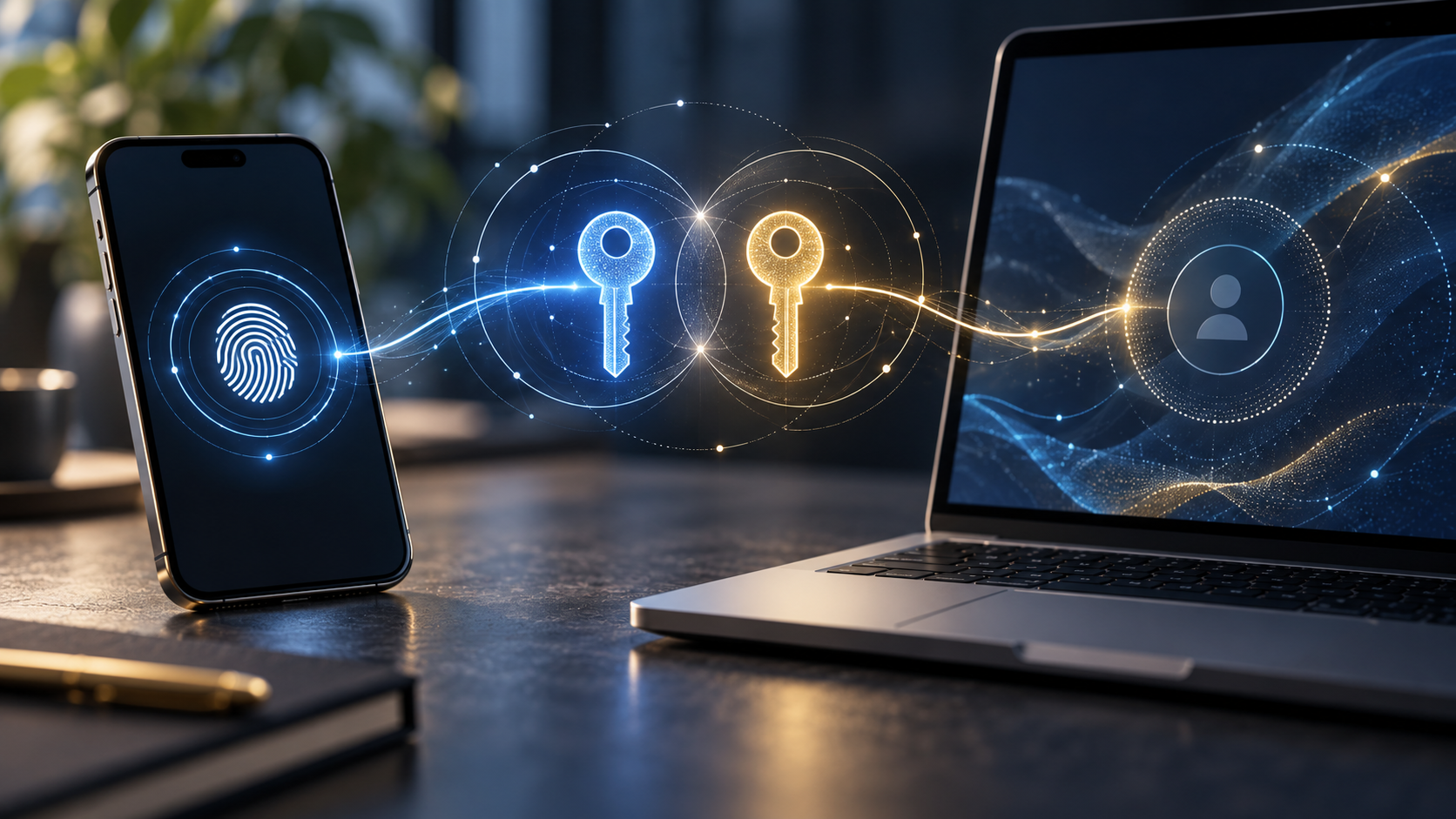
A passkey is a login credential based on public-key cryptography. Instead of giving a website a password, your device creates a matched pair of keys.
The public key goes to the website. The private key stays on your device or inside your password manager's secure vault. When you log in, the website sends a challenge. Your device proves it has the private key by signing that challenge. The private key itself is never sent.
That is the important part: there is no reusable secret for an attacker to steal from the website and paste somewhere else.
Why phishing gets harder
Traditional phishing works because a fake site can ask for the same password as the real site. If you type it in, the attacker can reuse it.
Passkeys are tied to the real domain. A passkey for example.com will not authenticate to a lookalike domain. Even if a fake page tricks you visually, the cryptographic credential is scoped to the legitimate site.
This does not make all account theft impossible. Malware, compromised devices, weak account recovery, and social engineering still matter. But passkeys remove one of the biggest failure modes: handing your password to the wrong page.
Why passkeys are different from two-factor codes
Two-factor authentication usually adds a second step after a password. That is better than a password alone, but many common second factors can still be phished. A fake site can ask for your password and then ask for the six-digit code.
Passkeys change the first step. They replace the password itself with a cryptographic login that is bound to the real website. There is no shared password to type and no reusable code to relay in the same way.
This is why security people are excited. Passkeys do not just add friction. They remove an entire category of secret that attackers have spent decades stealing.
Why they feel confusing
Passkeys are safer partly because they are less visible. You do not see the secret. You unlock the login with your face, fingerprint, PIN, or password manager. That can feel like the account is "on your phone," which raises a reasonable question: what happens if the phone is lost?
In practice, most passkeys are synced through an ecosystem or password manager. Apple, Google, Microsoft, and major password managers can keep passkeys available across devices. That convenience is why passkeys can become mainstream.
It also means your recovery setup matters. If your password manager account is weak, your passkeys inherit that weakness.
What can still go wrong
Passkeys are not magic. Account recovery can still be the weak point. If a service lets attackers reset access through a weak email account, SMS number, support workflow, or compromised device, the passkey may not save you.
Device security also matters. If your laptop or phone is unlocked and compromised, the attacker may be able to abuse active sessions or trigger logins. Passkeys reduce remote phishing risk; they do not make endpoints invincible.
There is also an ecosystem question. Some passkeys are synced through Apple, Google, Microsoft, or a password manager. That is convenient, but it means you should understand where your passkeys live and how recovery works before relying on them for critical accounts.
A practical migration plan
Do not delete every password tomorrow. Start with the accounts that matter most:
- password manager
- banking and payments
- cloud storage
- developer accounts
- work identity accounts
Add passkeys where supported. Keep backup access methods secure. Store recovery codes offline. Remove SMS recovery when stronger recovery options are available.
Should you use them?
Yes, especially for email, banking, cloud storage, developer accounts, and password managers.
Use passkeys where important services support them. Keep a strong password manager master password. Turn on multi-factor authentication for the password manager itself. Save recovery codes somewhere offline. Remove old SMS-based recovery when a better option exists.
The bottom line
Passkeys are not perfect because account security is never one thing. It is a chain. But they improve one of the weakest links in the chain: passwords that can be guessed, reused, leaked, or phished.